Open a repo, browse code, make edits, and move on — in seconds. A native macOS editor under 1 MB built with Swift and AppKit. No Electron, no bloat.
$ brew install arietan/lite-edit/lite-edit
Install and update via Homebrew Cask.
$ brew install arietan/lite-edit/lite-edit
Requires Xcode CLI Tools and macOS 13+.
$ git clone https://github.com/arietan/lite-edit && cd lite-edit && bash build.sh
Clone a project, open the folder, and start reading code — no plugins to install, no indexing to wait for.
Change a YAML value, fix a JSON key, update an env file. Open, edit, save, done.
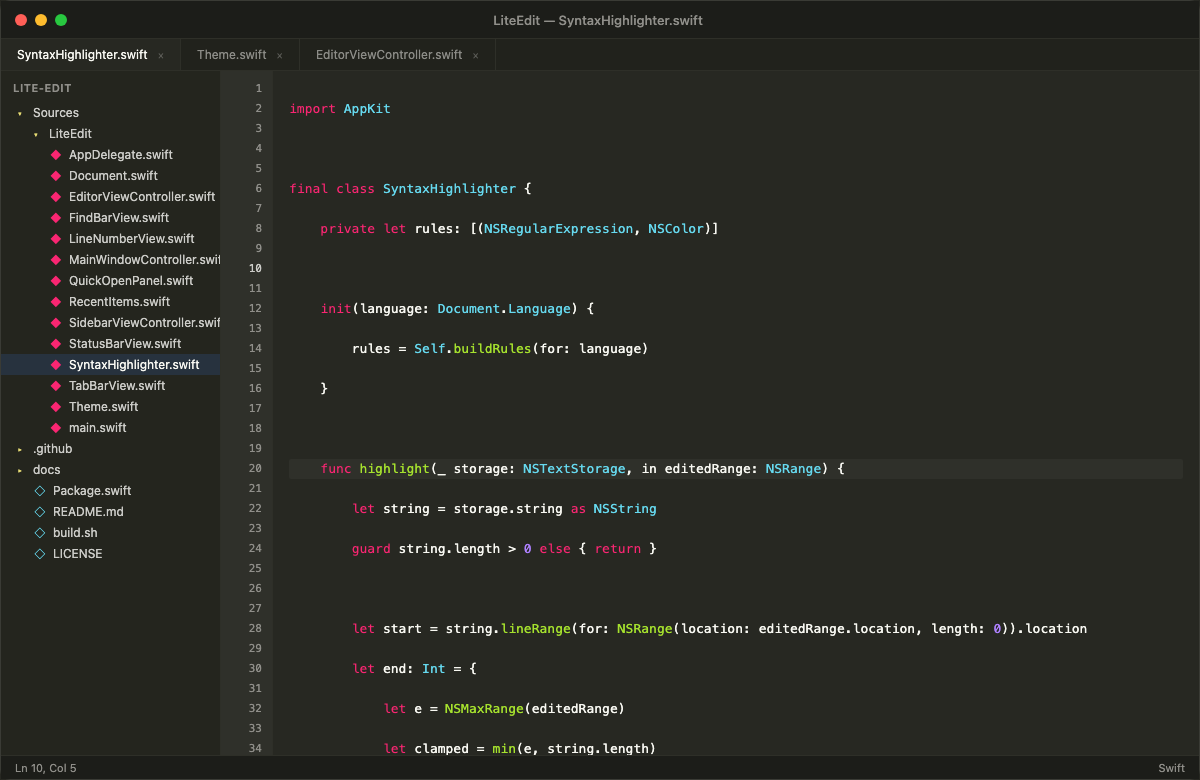
Syntax highlighting for 20+ languages, find & replace, and quick open — without loading a full IDE.
Keep LiteEdit open alongside your main IDE for scratch files, notes, or quick references.
20+ languages out of the box — even on huge files. Viewport-based lazy highlighting keeps scrolling smooth in files with 100k+ lines.
Select a word, hit Cmd+Shift+L to select all occurrences, then type to replace them all at once.
Open multiple files in tabs. Cmd+W to close, Cmd+click to open in a new tab from the sidebar.
Cmd+P to fuzzy-search and jump to any file in the project. Find & Replace with regex support.
Sidebar with full folder-tree navigation. Right-click any file or folder to reveal it in Finder.
Remembers your folder, open tabs, cursor positions, scroll viewport, and window state across restarts. Pick up exactly where you left off.
| Shortcut | Action |
|---|---|
| Cmd + N | New file |
| Cmd + O | Open file |
| Cmd + Shift + O | Open folder |
| Cmd + S | Save |
| Cmd + W | Close tab |
| Cmd + F | Find & Replace |
| Cmd + P | Quick Open |
| Cmd + G | Go to line |
| Cmd + B | Toggle sidebar |
| Option + Up/Down | Move line up/down |
| Cmd + Shift + K | Delete current line |
| Cmd + Shift + L | Select all occurrences (multi-cursor edit) |
| Tab (multi-line) | Indent selected lines |
| Shift + Tab | Unindent line(s) |
Download the DMG, drag to Applications, and you're editing in under a second. No account, no setup, no telemetry.
